Combine any files
PDFs, pictures, Word, Excel and PowerPoint into one PDF, in the order you choose.
Page sizes, pictures and tables stay where you put them. Then edit, combine or sign.
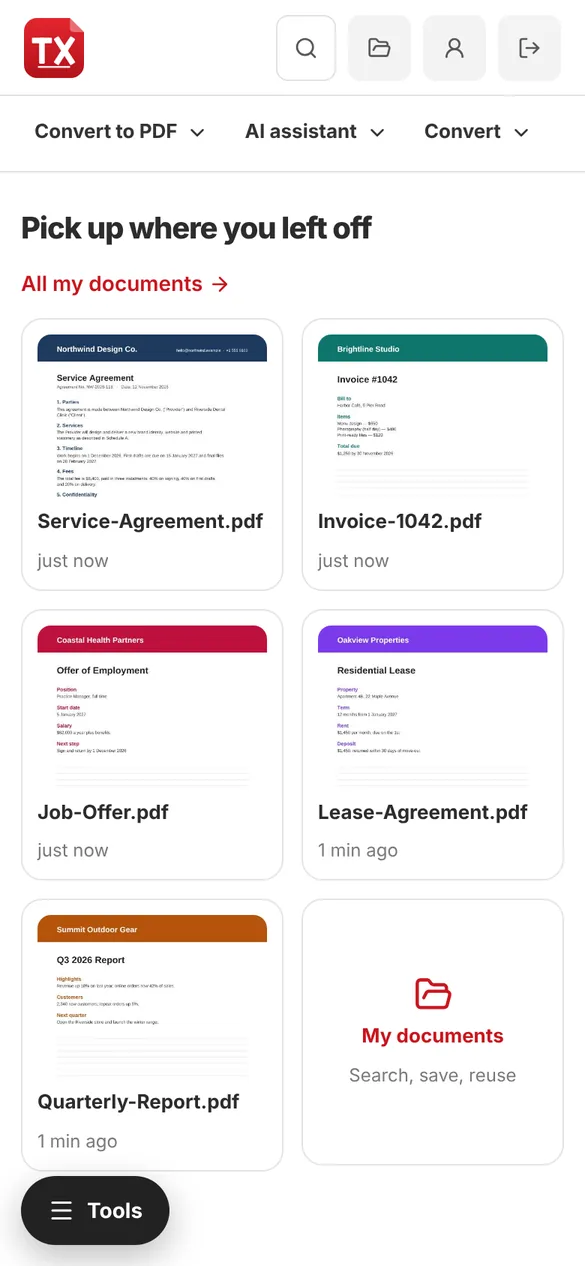
Drag it in, choose it from your files or right-click it › Open with TX PDF Studio.
Read it, sign it, edit it, convert it, combine it, protect it or ask the AI assistant.
Download it, save it to your folder or drive, or send it for signing by email, WhatsApp or text.
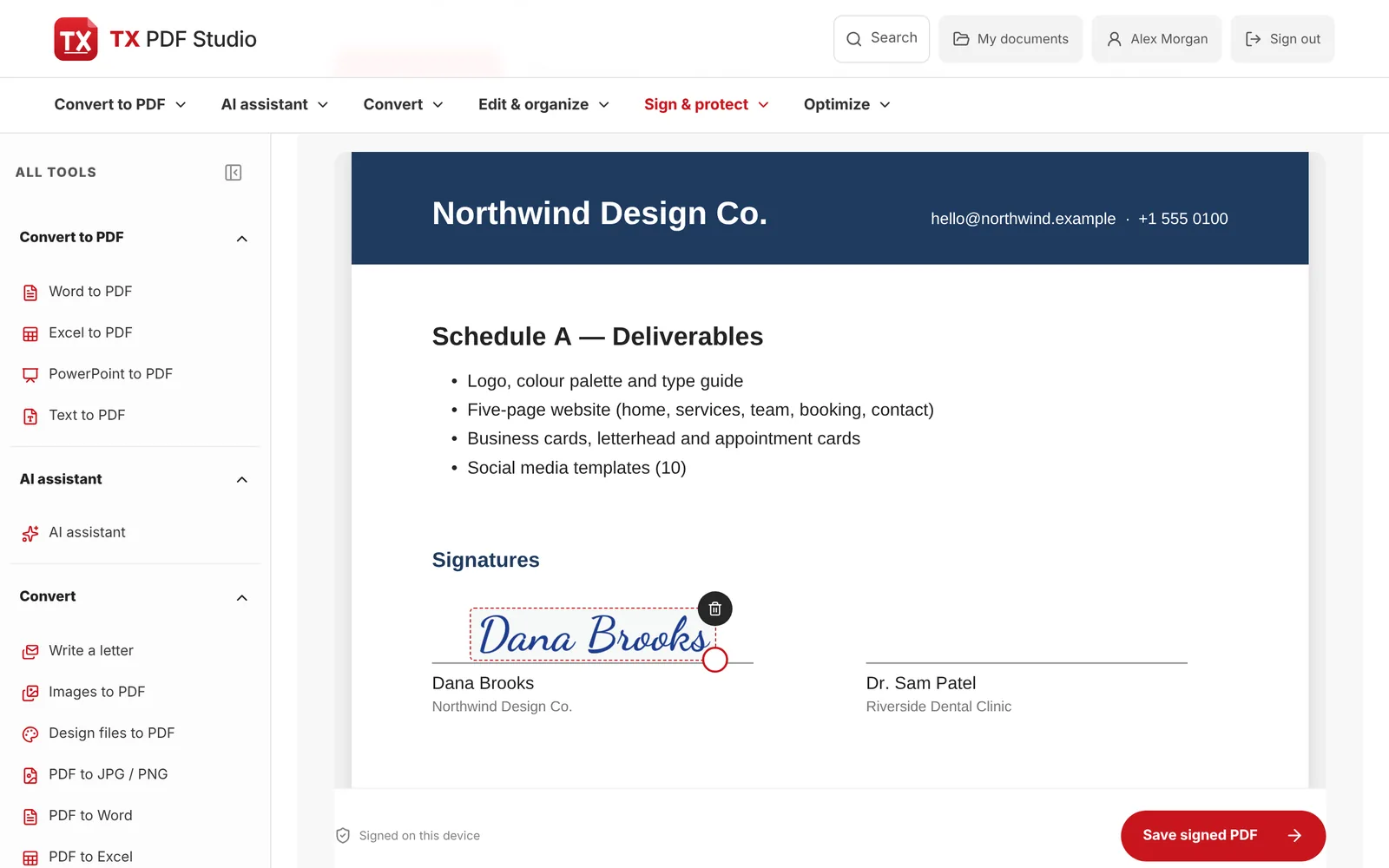
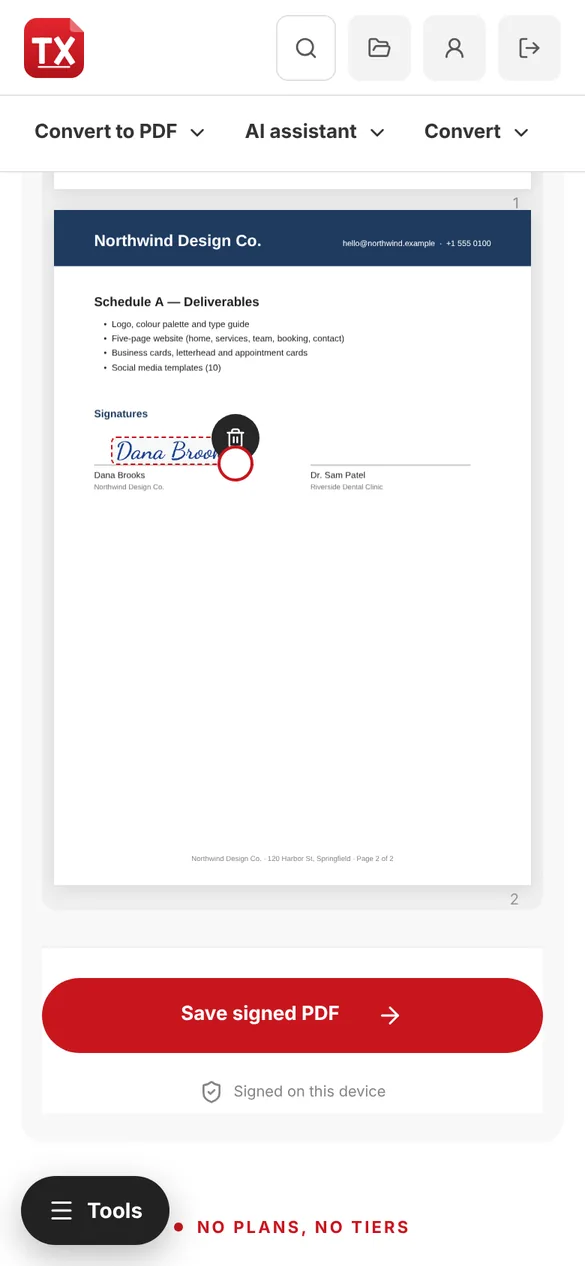
Draw or type your signature, drop it on the line and save. Works with a mouse, your finger or Apple Pencil.
PDFs, pictures, Word, Excel and PowerPoint into one PDF, in the order you choose.
Add text boxes, check boxes, dates, drop-downs and signature boxes to any PDF.
Send a link; people pin comments on the pages without needing an account.
The AI assistant turns a document into a PowerPoint deck with speaker notes.
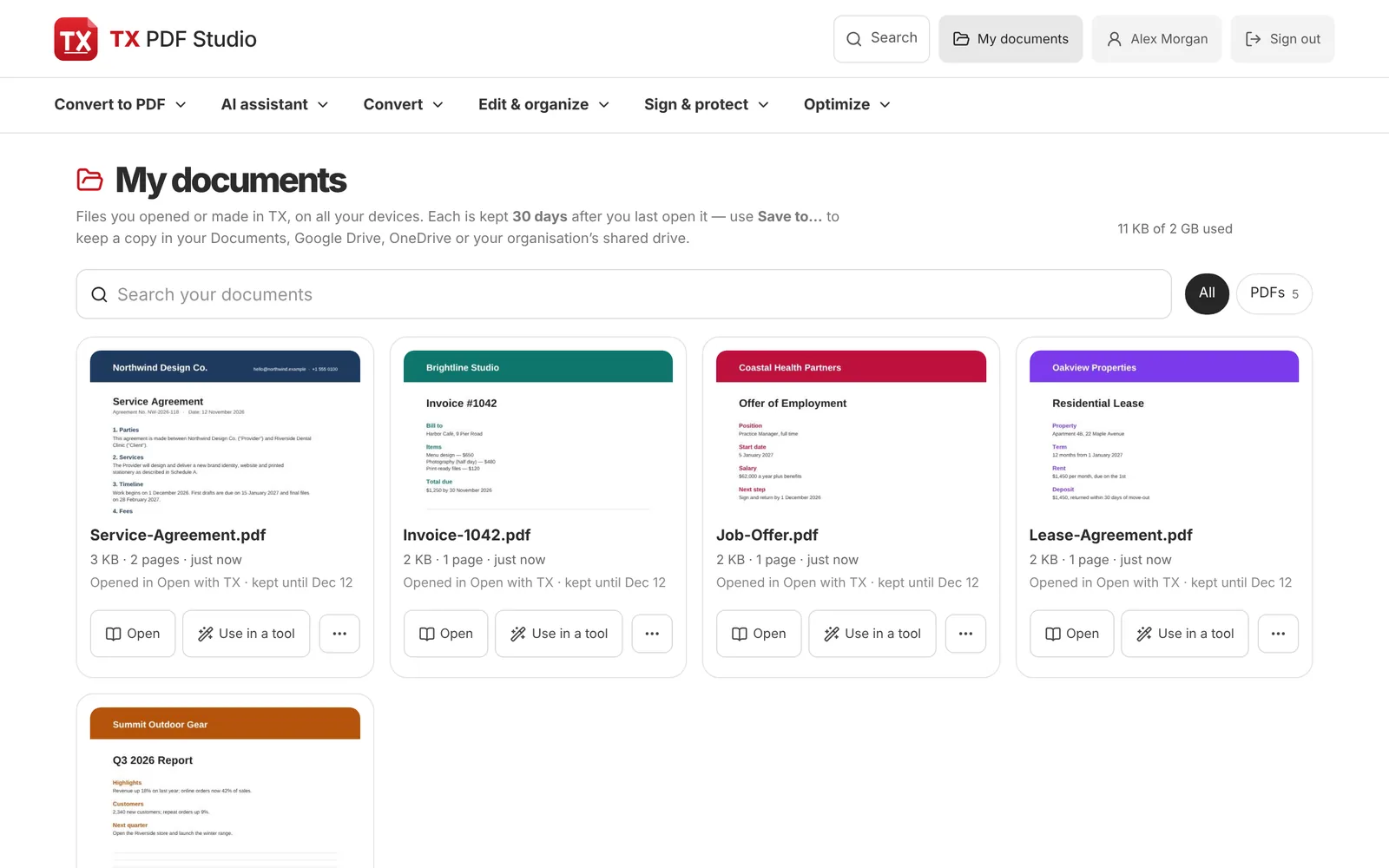
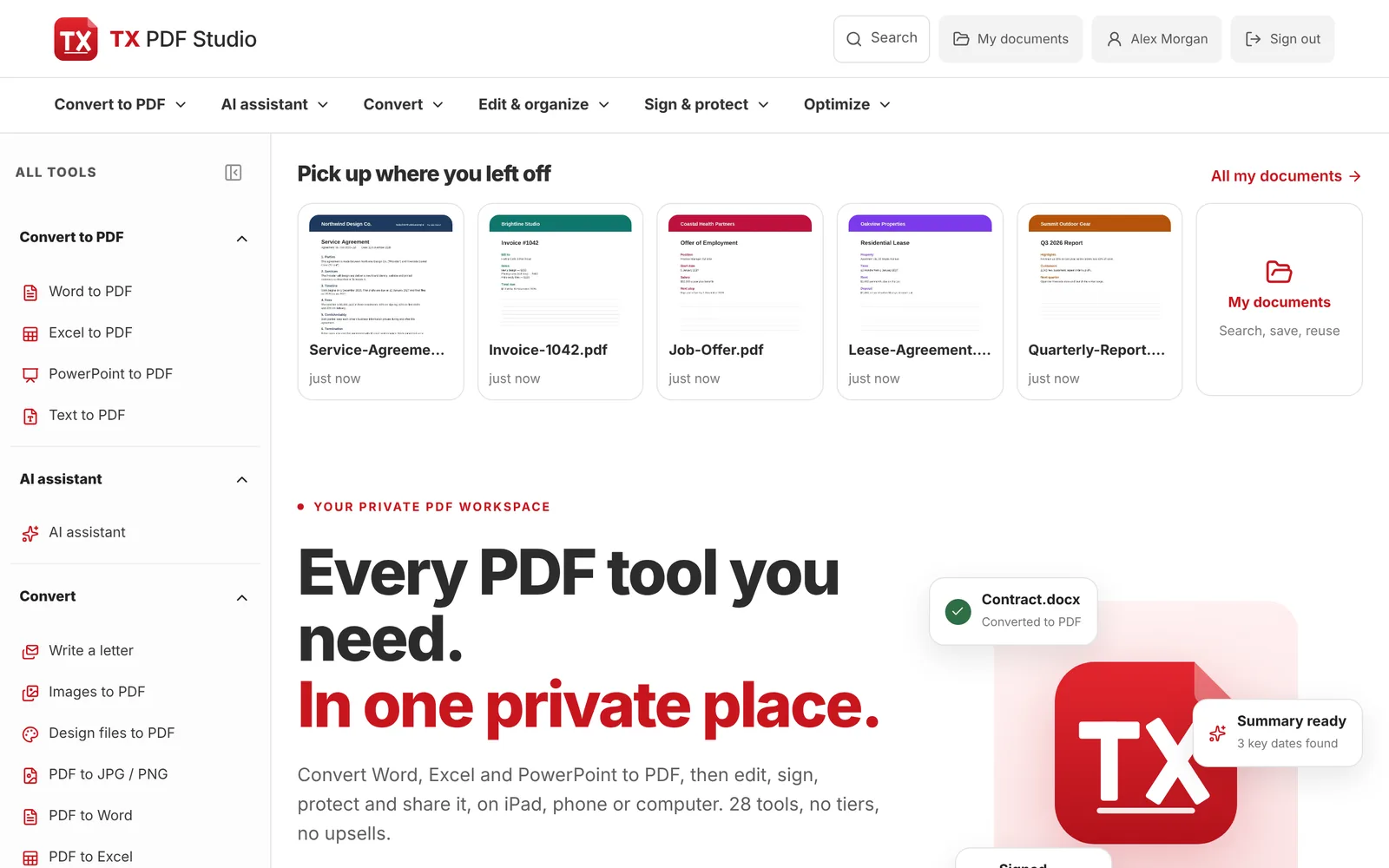
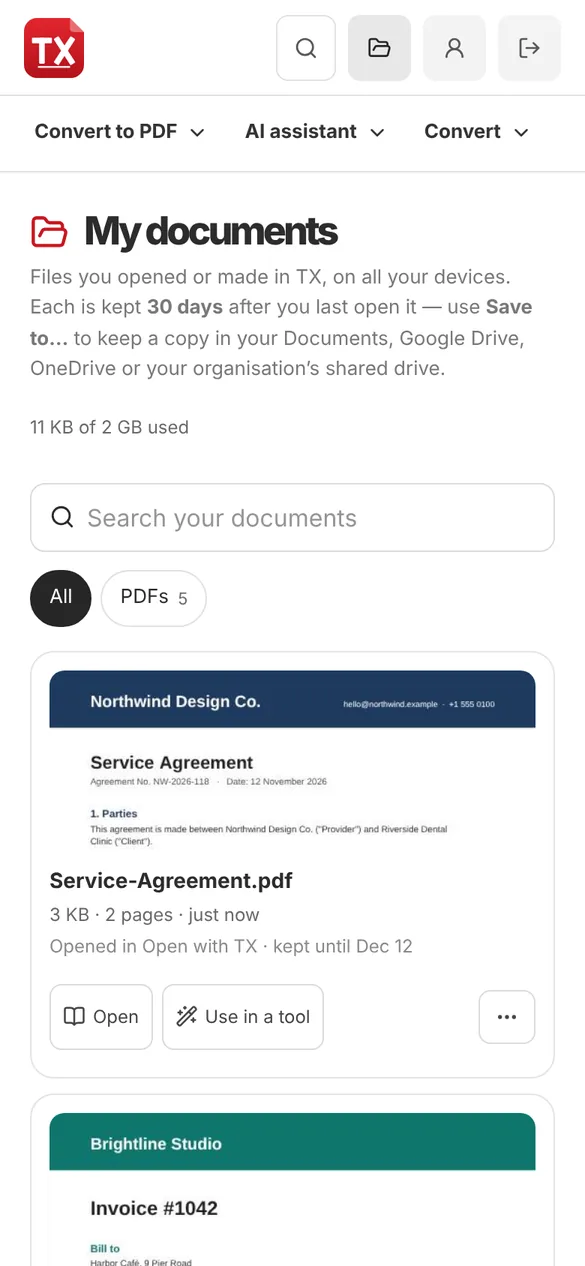
Everything you open or make is kept, encrypted, for 30 days, on every device.
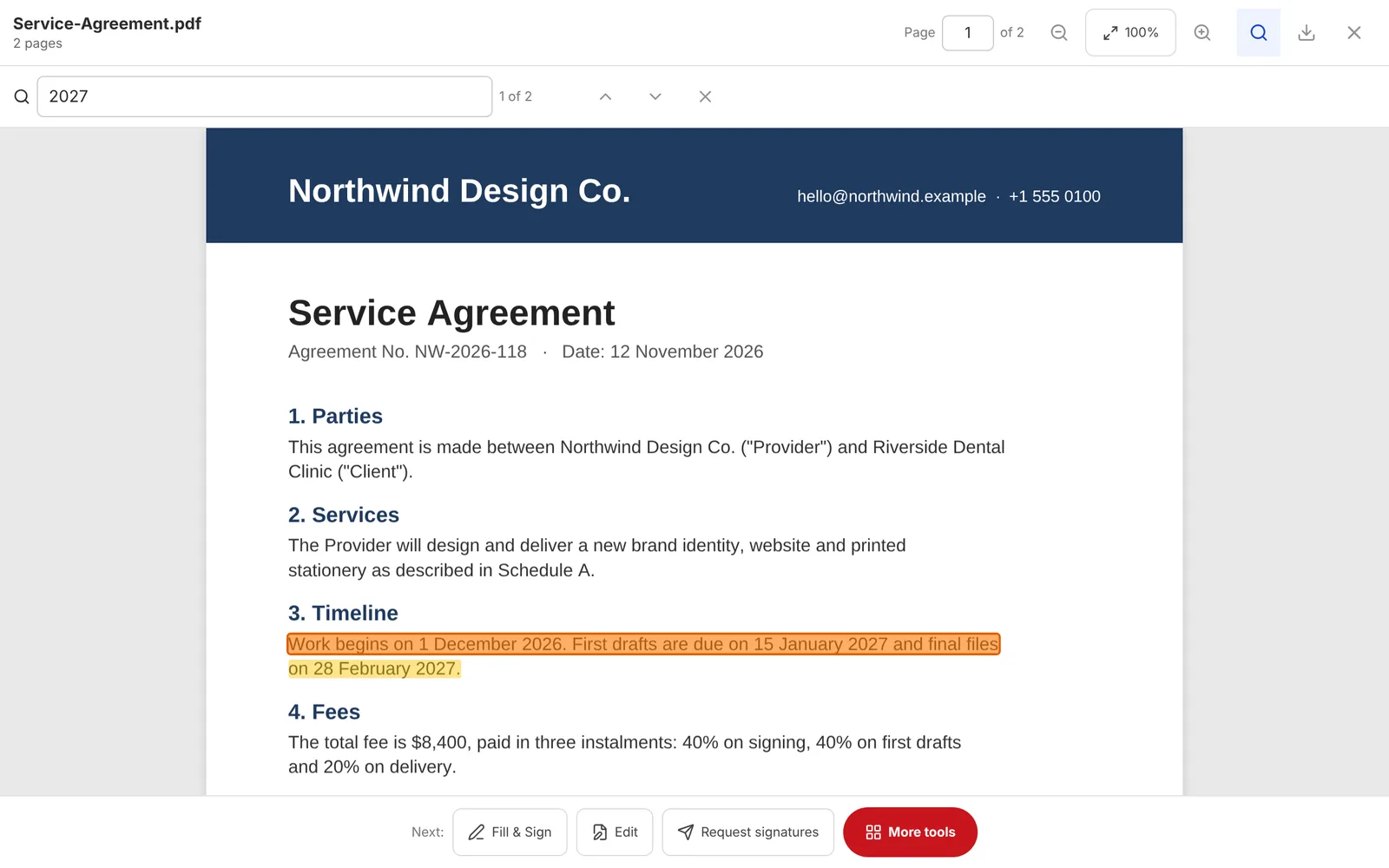
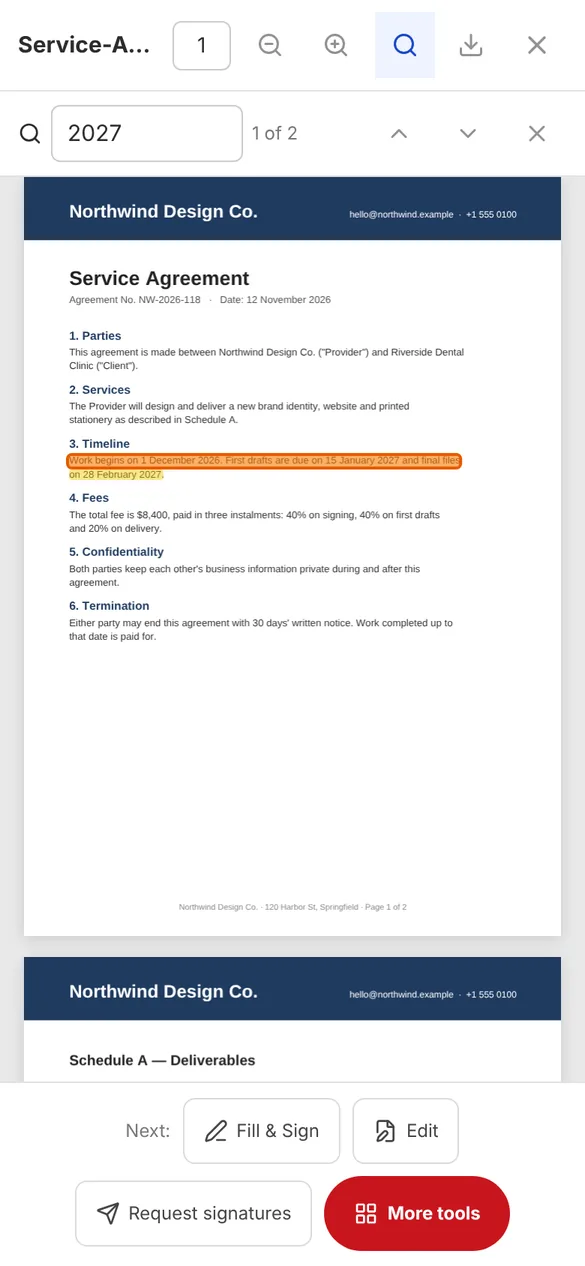
Search every page with highlights, jump to a page and copy text from any PDF.
Download TX for Mac and make it the app that opens your PDFs on double-click.
Send a private link, track who has signed and get one signed copy with a certificate.
Install TX in under a minute, no app store needed. On computers it opens your PDFs straight from your files.
See the install stepsA website and installable app with every everyday PDF tool: convert Office files to PDF, edit, combine, sign, protect, compress, OCR, share for review and an AI assistant.
Yes: 7 days on any plan. Your card isn’t charged until the trial ends, and you can cancel before then.
Page sizes, pictures, tables and layout are kept. A font that isn’t available on our server may be replaced by a close match, so check the preview of important documents.
Yes. Your documents are encrypted and only you can see them. My documents keeps them 30 days so you can pick up on any device, then deletes them; Save to… puts a permanent copy in your own folder or drive. Payments are handled by Stripe.
Yes. Open it in Safari, sign in and tap Share › Add to Home Screen to install it. Sign with your finger or Apple Pencil and save to Files.
Windows, Chromebook and Mac: install it from Chrome or Edge in one click, or download the Mac app. Then right-click any PDF › Open with › TX PDF Studio. The Get the app page shows the steps for your device.
Yes. Open the PDF to read it, select the words and copy them. Use Find (Ctrl F or ⌘F) to search every page. Scanned pages need “Make searchable (OCR)” first.
Start a 7-day free trial. Cancel any time before it ends and pay nothing.